Convert SVG to PNG Instantly
The fastest way to save SVG as PNG, JPG, GIF, or WEBP. Enjoy high-quality, client-side conversion that ensures your files never leave your browser.
SVG Templates
How to Convert SVG to PNG
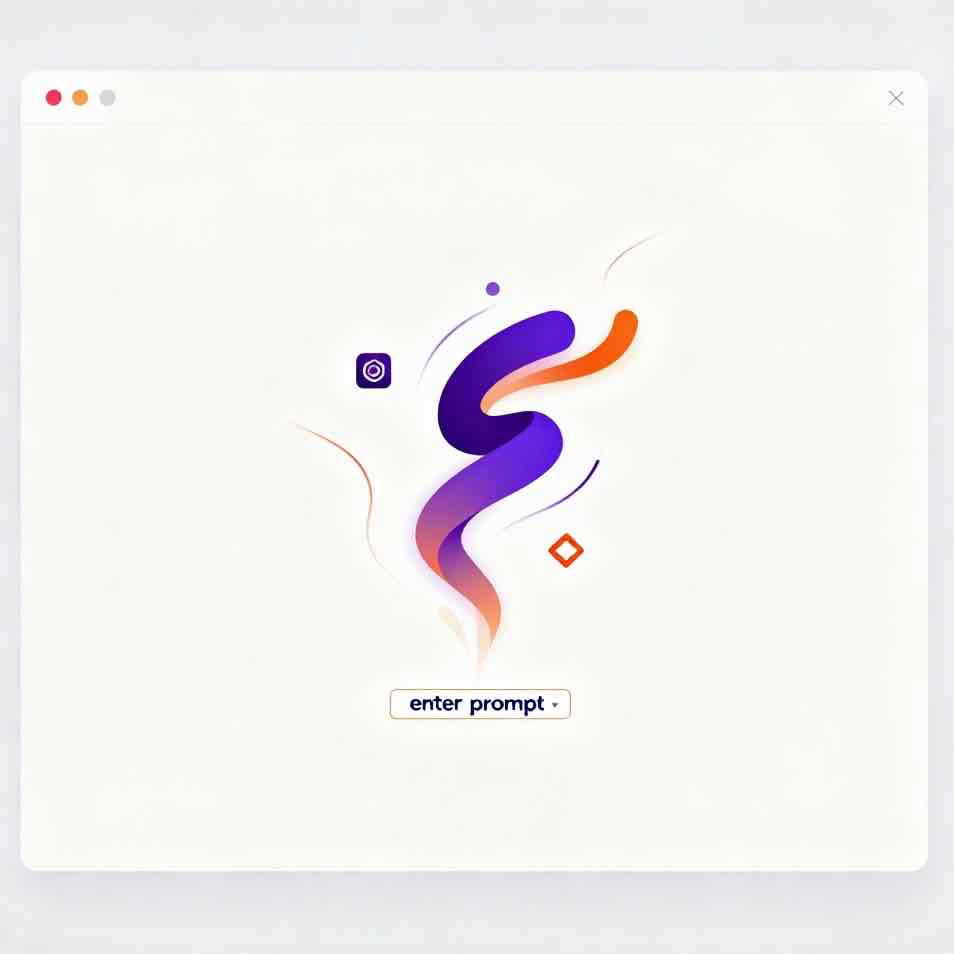
Transform your SVG into a high-quality PNG image in four simple steps:
SVG Spark is built on the shoulders of giants


What is SVG Spark
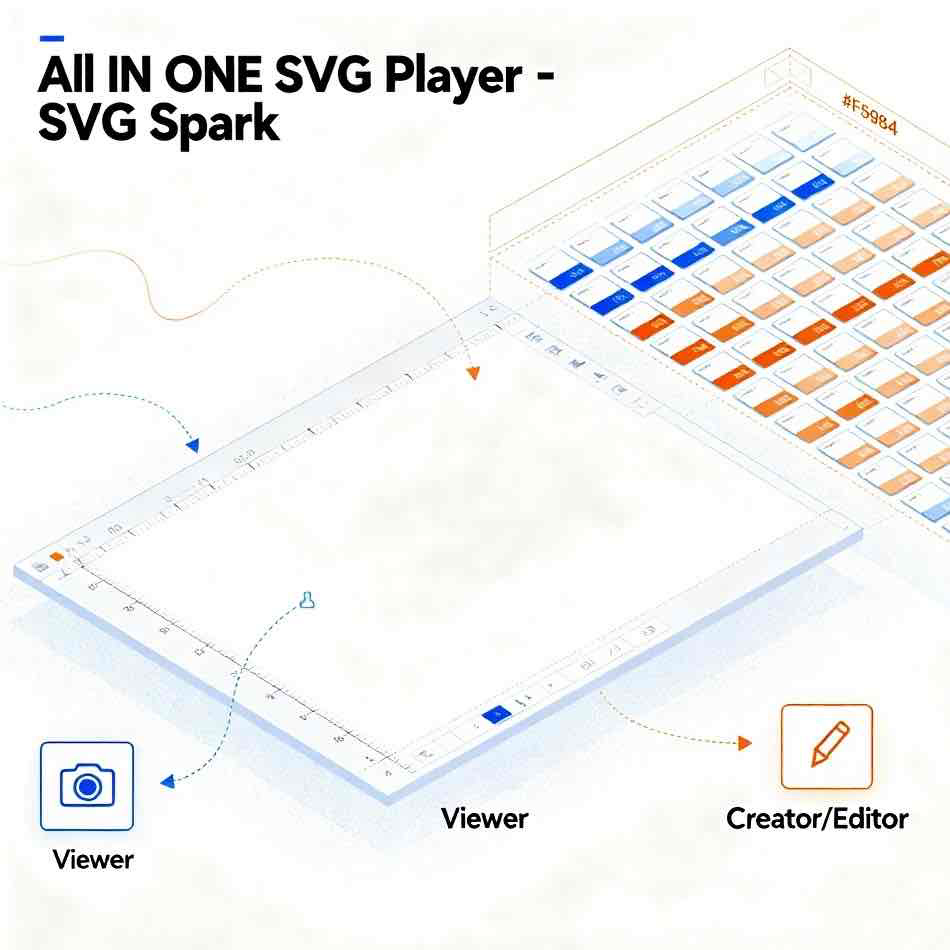
SVG Spark is an all-in-one SVG toolkit designed for the AI era. It provides seamless conversion between SVG code and images, AI-powered SVG generation capabilities, and an extensive library of customizable SVG resources.
- Effortless SVG ConversionTransform SVG files to PNG images and convert images to SVG code with just a few clicks or by simply pasting your code.
- AI-Powered GenerationCreate custom SVG icons, backgrounds, and logos instantly with our advanced AI generation tools, tailored to your specific needs.
- Extensive SVG LibraryAccess thousands of ready-to-use SVG files available for download and customization, serving as perfect templates for your projects.
Beyond Conversion: An AI-Powered SVG Ecosystem
SVG Spark is more than the best SVG to PNG converter—it's your complete AI-powered ecosystem for vector graphics. Instantly generate unique icons with AI, add life with SVG animation, or find the perfect SVG background. It’s the all-in-one platform designed to replace multiple tools and supercharge your creative workflow.
Powerful Features for SVG to PNG Conversion
Discover the tools designed to make your SVG to PNG workflow seamless, efficient, and precise.
Batch SVG to PNG Conversion
Convert multiple SVG files to high-quality PNGs simultaneously. Boost your productivity and save valuable time.
Custom PNG Output
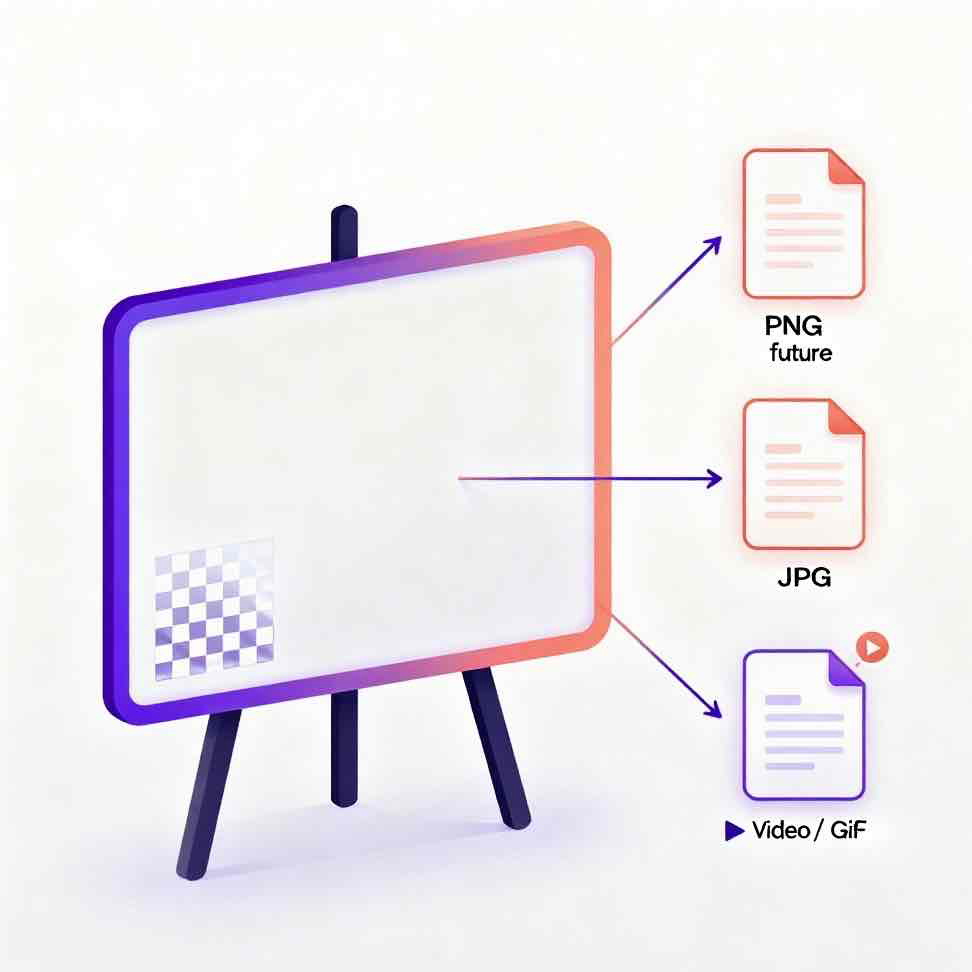
Take full control with flexible settings for output dimensions, image quality, and background transparency.
Real-time Preview
Instantly see how your SVG will look as a PNG before conversion, ensuring your output is always perfect.
Built-in Code Editor
Directly edit your SVG code within our syntax-highlighted editor for fine-grained adjustments and corrections.
Dark & Light Mode
Easily switch between dark and light themes to match your visual preference and reduce eye strain.
Global Language Support
Our interface supports multiple languages, providing a native and convenient experience for users worldwide.
Why Creators Love SVG Spark
For its speed, high-quality conversions, and powerful creative tools.
Successfully Converted
1M+
Files To Date
Trusted By
50K+
Creators & Developers
Access a Library of
10K+
Free SVGs & Templates
What Users Say About SVG Spark
Hear from designers and developers who use SVG Spark for their conversion needs.
Sarah Johnson
UI/UX Designer specializing in svg to png workflows
This svg to png converter has revolutionized my design process. The batch conversion feature saves me hours every week, and the quality is consistently excellent for all my svg to png needs.
Mike Chen
Frontend Developer using svg to png tools daily
Love how everything happens in the browser - no uploads, no privacy concerns. The custom sizing options are exactly what I need for responsive designs when converting svg to png files.
Emma Rodriguez
Graphic Designer focused on svg to png conversion
The real-time preview feature is a game-changer for my svg to png workflow. I can see exactly how my SVGs will look as PNGs before converting. Saves so much time!
David Park
Web Developer expert in svg to png optimization
Finally, an svg to png converter that handles transparency correctly! No more white backgrounds ruining my designs. This tool just works perfectly for all my svg to png conversion needs.
Lisa Thompson
Creative Director managing svg to png projects
Our team relies on this svg to png converter daily for client projects. The consistent high-quality output and fast processing make it indispensable for our svg to png workflow.
Alex Kumar
Product Designer specializing in svg to png workflows
The built-in SVG editor is brilliant for my svg to png projects! I can make quick adjustments and convert svg to png in one place. It's like having a complete svg to png toolkit in my browser.
Frequently Asked Questions
Everything you need to know about our svg to png tools. If you can't find an answer, feel free to contact us!
What is SVG to PNG conversion?
SVG to PNG conversion transforms vector-based SVG (Scalable Vector Graphics) files into raster-based PNG (Portable Network Graphics) images. This process converts mathematical shapes and paths into pixel-based images, making them compatible with more applications and platforms that may not support SVG format.
Why should I convert SVG to PNG?
Converting SVG to PNG is crucial for universal compatibility. PNG files are natively supported by almost all web browsers, email clients, social media platforms, and image viewers. This ensures your graphics display consistently everywhere, which might not be the case with SVGs.
How does your SVG to PNG converter work?
Our converter operates entirely in your browser using HTML5 Canvas technology. We load your SVG file or code, render it onto an invisible canvas, and then export the canvas content as a high-quality PNG file for you to download. No server uploads are involved.
Is my data and my files safe?
Yes, your privacy is our top priority. Our SVG tools operate 100% on the client-side. This means your files are never uploaded to our servers and all processing happens locally on your own device. Your designs and data remain completely private.
Can I convert multiple SVG files at once?
Absolutely! Our tool supports batch conversion. You can upload and convert up to 20 SVG files to PNG format simultaneously. After conversion, all PNG files are conveniently packaged into a single ZIP archive for easy download.
Can I customize the PNG output settings?
Yes, you have full control. You can customize several aspects of the output, including: 1) Resolution/Size (custom width and height), 2) Background (transparent or solid color), and 3) Scaling options to maintain aspect ratio. This flexibility ensures the final PNG meets your exact specifications.
Is the conversion quality high?
Yes! Our svg to png converter is engineered to produce high-quality, crisp PNG images. By rendering the SVG at your desired resolution, we preserve colors, transparency, and visual details from the original vector file, ensuring professional svg to png results suitable for web, presentations, and even print.
What SVG features are supported in the conversion?
Our svg to png converter supports most standard SVG 1.1 features, including basic shapes (rectangles, circles, paths), text elements, gradients, patterns, transformations, and transparency. Complex features like CSS animations or JavaScript interactivity won't be preserved, as PNG is a static image format.
What is an SVG file?
SVG (Scalable Vector Graphics) is an XML-based vector image format. Unlike pixel-based images like JPEG, SVGs use mathematical equations to draw shapes. This means they can be scaled to any size without losing quality, making them perfect for logos, icons, and illustrations.
What is a PNG file?
PNG (Portable Network Graphics) is a raster image format that uses lossless compression. Its key feature is the support for transparency (alpha channel), which makes it ideal for web graphics, logos, and images that need a transparent background. Unlike JPEGs, PNGs maintain crisp edges and detail.
Ready to Convert Your SVG Files?
Transform your SVGs into high-quality PNGs instantly with our svg to png converter. Our tool supports batch conversion and runs 100% in your browser—no uploads required, your files stay completely private.